EPEX Spot Day-Ahead electricity prices

Use with Home Assistant
EPEX Spot Day-Ahead electricity prices with selectable bidding zone and quarter-hour or hourly timeline
- Topic
- Smarthome
- Includes
- Flow
Runs on
- Runs on 32×8 (TC001 & DIY)
- Does not run on 52×16 (TC002) Made for 32×8 (TC001 & DIY).
- Does not run on 32×8 with AWTRIX 3 (TC001 & DIY) Made for AWTRIX NG.
Flow description
EPEX Energy for AWTRIX NG
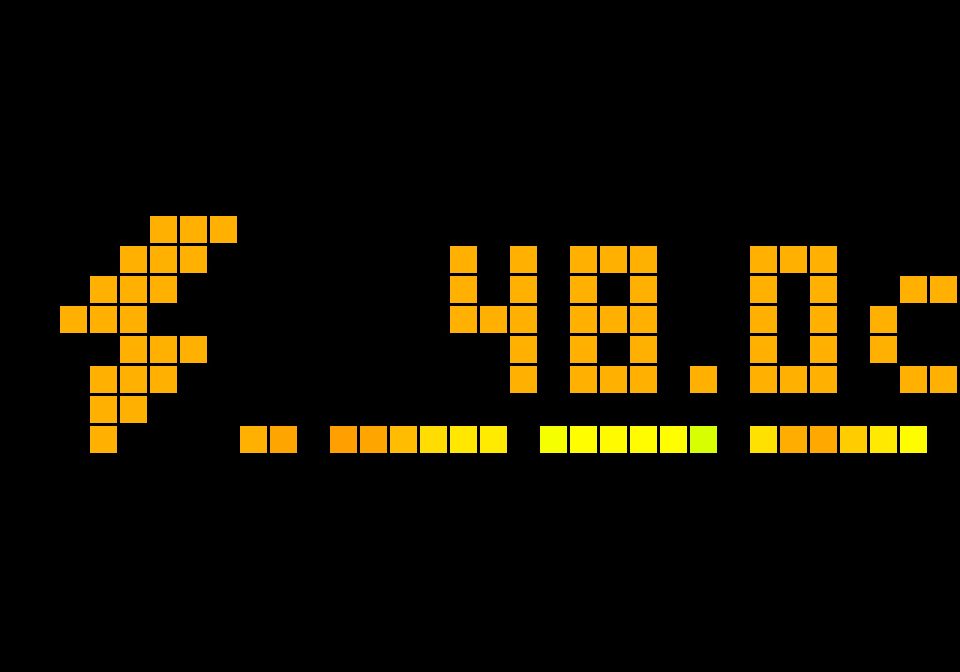
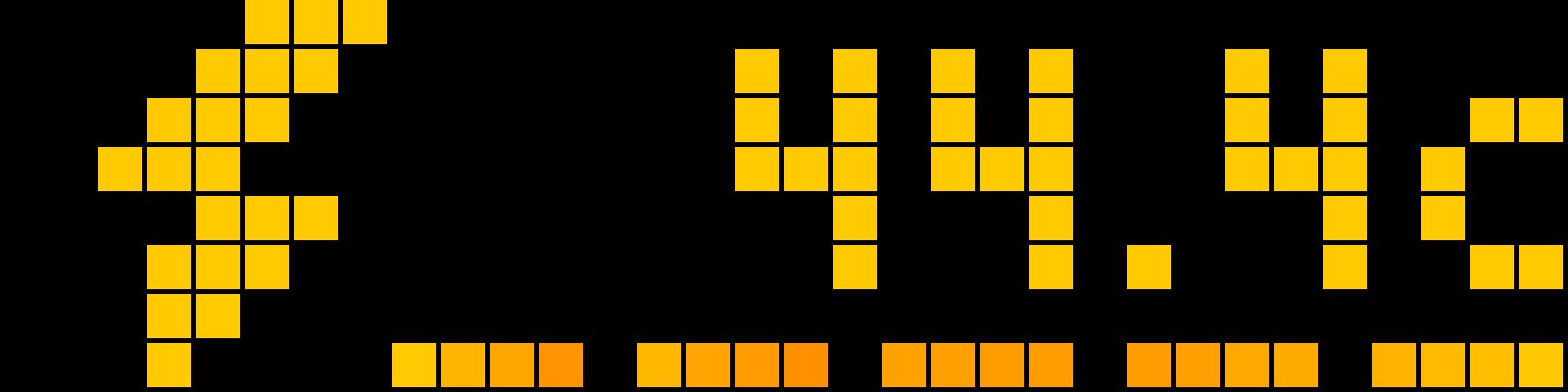
A Berry script app for AWTRIX NG LED matrix clocks (Ulanzi TC001 and compatible 32×8 panels) that displays live EPEX Spot Day-Ahead electricity prices from the free Energy Charts API — no API key required.
What it shows
- Top row: current electricity price in euro-cents per kWh (e.g.
19.1c), right-aligned, colored by price level. A lightning bolt icon sits on the left. - Bottom row: a 24-pixel forecast timeline, one pixel per interval, starting at the current interval and extending into the future (including tomorrow's prices once published).
Features
-
Selectable bidding zone — any valid Energy Charts zone:
NL(default),DE-LU,BE,FR,DK1,DK2,AT, and many more. Note: Germany isDE-LU, notDE. -
Optional total price — add a fixed cost per kWh excluding VAT and a VAT percentage. Either field can be used independently; missing, blank or
0settings preserve EPEX-only behavior. The formula is(EPEX €/kWh + additional cost €/kWh) × (1 + VAT / 100), shown in euro-cents/kWh. Applies to both timeline modes without changing raw cached prices or polling. -
Two timeline modes:
15min— one pixel per quarter-hour, grouped by clock hour with a gap before each next hour (four quarters per complete group).hourly— quarter-hour prices averaged per clock hour, including elapsed quarters in the current hour, with gaps at 00:00, 06:00, 12:00 and 18:00. With all four quarters cached, the hourly price stays unchanged throughout the hour.
-
Price gradient — smooth color interpolation with clamped endpoints:
Price (€-ct/kWh) Color ≤ −10 Purple 0 Blue 10 Green 20 Yellow 30 Orange ≥ 40 Red These are EPEX-only thresholds. With additional cost or VAT, every threshold
uses the same formula as the displayed price, preserving each EPEX price's color
in the text, icon and forecast. For example, with0.1097€/kWh additional cost
and21% VAT, the green threshold moves from10cto25.3737c(displayed
as25.4c). A positive total can still be blue or purple when raw EPEX is negative. -
Timestamp-aligned data — aligns prices using Unix timestamps from the API, so late-evening views include tomorrow's prices after publication, and DST transitions work correctly.
-
Clock-aligned display updates — cached prices and the forecast timeline advance at
:00,:15,:30, and:45, independently of API polling. -
Midnight rollover — a new local date rechecks cached coverage. If the full new day is already cached, no morning refresh is needed. Otherwise a new date triggers an immediate refresh. If cached prices expire, the app shows
WAITwith an empty timeline and requests fresh data rather than continuing to show the previous day's last price. -
Cache-aware API refresh — complete prices for today pause automatic polling until 13:00 Central European time (CET/CEST). From 13:00, polls at the configured interval (default 60 minutes, range 5–60) until today and tomorrow are complete, then pauses until the next local date and coverage check. Missing/null slots or gaps in today's prices keep morning polling active. Each successful fetch updates the display immediately; cached prices keep advancing while polling is paused.
-
Subtle fetch indicator — a single pixel in the upper-left corner shows fetch status without replacing a valid cached price or its colors:
Pixel Meaning Off Successful fetch before 13:00 CET/CEST, or complete tomorrow prices cached Blue From 13:00, tomorrow's complete prices are still pending (including HTTP 404) Orange Rate limited (HTTP 429) Red Network failure or other HTTP failure, including server errors Purple Configuration error, missing response body, or malformed/unusable data Blue is normal pending status, not an error. The marker changes on fetch results, not merely when the clock reaches 13:00. Failures override blue and remain visible across quarter-hour updates and polling pauses; a later successful fetch clears them to blue or off. With complete cached data, a normal morning has no marker. Select can retry a failed manual fetch while automatic polling is paused.
-
Status states — failed fetches keep showing a valid cached current price and timeline. Without a usable current price:
CFG(orange) for an invalid bidding zone or rejected request parameters (HTTP 400/422),TIME(orange) when the device clock is not yet set,WAIT(orange) when the current price is missing or expired,RATE(orange) when the API temporarily limits requests (HTTP 429). Red diagnostics:NETfor no HTTP response,BODYfor a successful response with no captured body,DATAfor incomplete/mismatched arrays or an unusable price, and the HTTP code (e.g.503) for other API failures. -
Press the Select button to force an immediate refresh.
Setup
- Copy the flow to your device.
- The app appears in the rotation. Open the Apps tab, click the gear icon on the app's row, and configure:
- Bidding zone (
bzn): your Energy Charts zone code, e.g.NLorDE-LU. - Timeline (
view):15min(6 hours ahead) orhourly(24 hours ahead). - Refresh (
every): API polling interval in minutes (default 15); cached prices still advance at each quarter-hour boundary.
- Bidding zone (
Notes on data availability
- Tomorrow's day-ahead prices are typically published around 13:00–14:00. Before publication, the forecast bar shows only the remaining intervals of the current day; after publication, the bar fills to its full length on the next refresh.
- An invalid zone code (e.g.
DEinstead ofDE-LU) showsCFGuntil corrected.
Data source
Price data: Energy Charts — license CC BY 4.0, sourced from Bundesnetzagentur / SMARD.de.
Sign in to view and copy the code of this flow.
Discussion 0
Ask a question, suggest a change or share how you use it.
No comments yet. Start the conversation.
More flows for Home Assistant or Smarthome
Something wrong with this flow? Report it.
Have an idea?
Sign in to ask questions and join the conversation.